Choose a reference
Choose one of three Taylor photo references and answer a few quick questions.
Choose a Taylor Swift reference and add your photos. Preview your own upload, blurred. Your imagined AI portrait starts only with confirmed credits.
18+ · AI portraits · Private by default
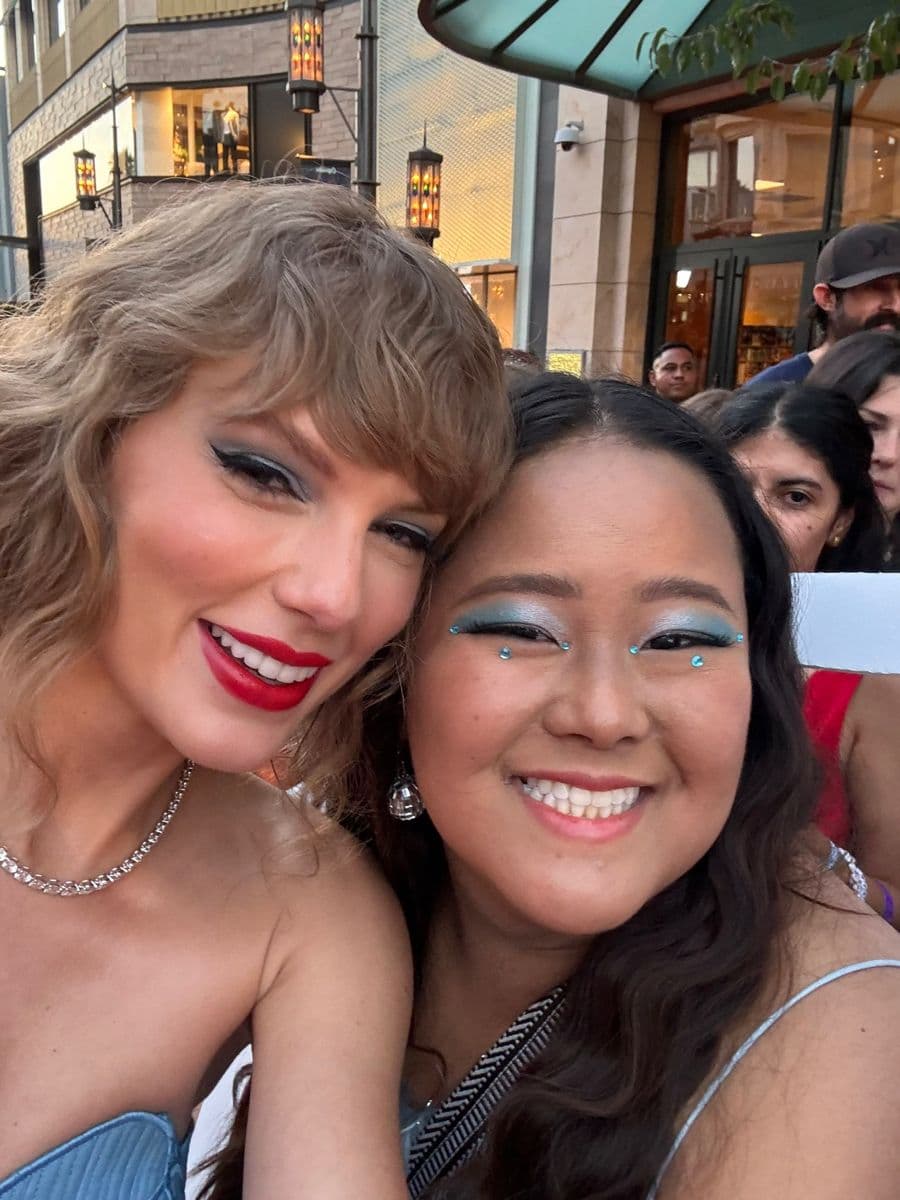 01 / Reference photoStreet-side selfie
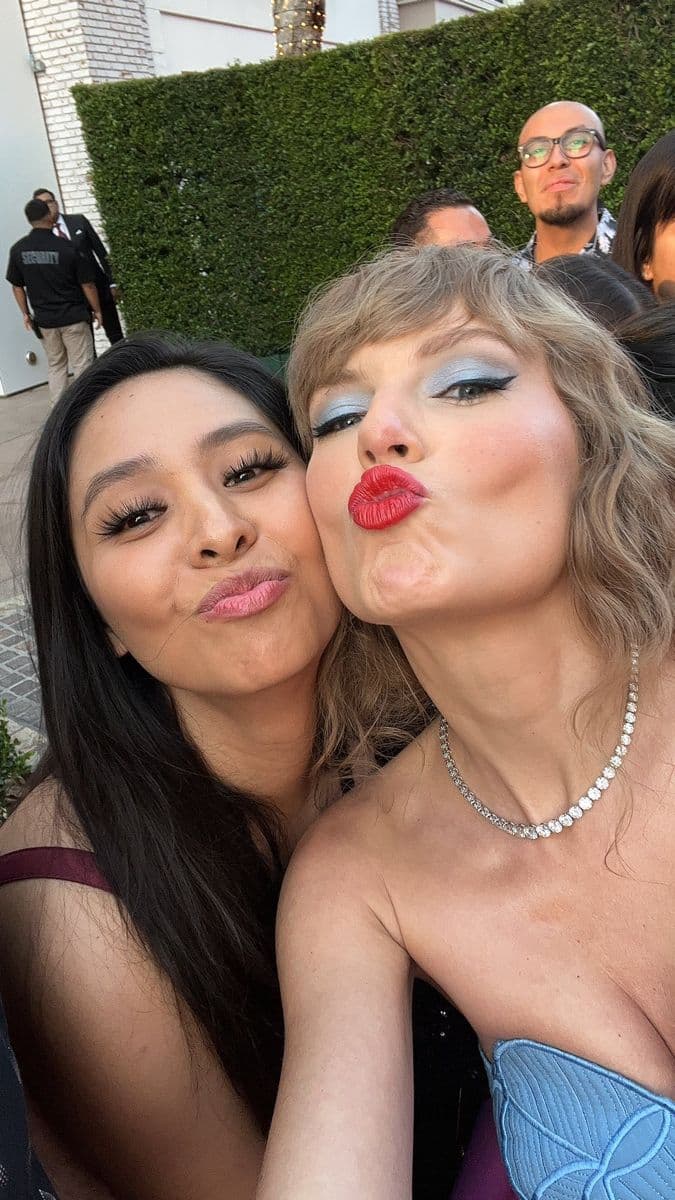 02 / Reference photoPlayful event selfie
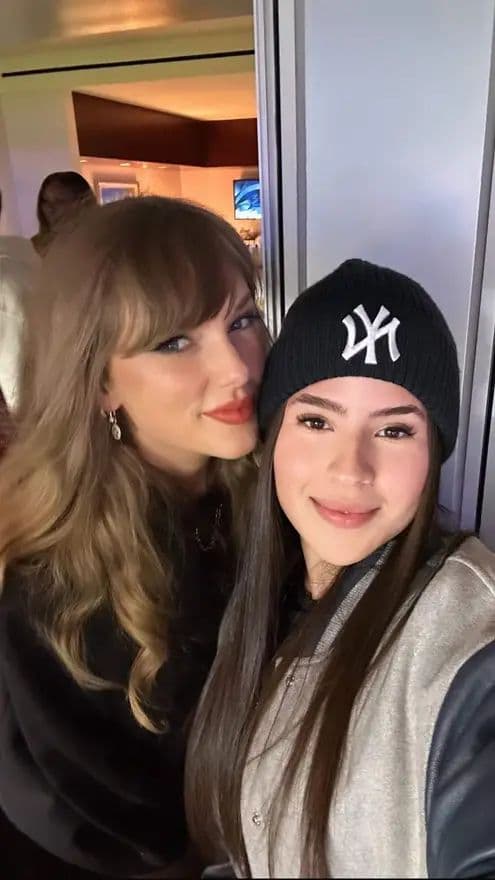 03 / Reference photoDoorway selfie
Original reference photos, not your results. They guide the scene; your AI portrait is created after credit confirmation.
Your photos. One credit per portrait.
Choose one of three Taylor photo references and answer a few quick questions.
Upload 3–5 clear photos from different angles, then create your account.
The free preview is your uploaded photo, blurred. Confirm payment or use a credit to start AI generation.
1 credit creates 1 portrait. The uploaded-photo preview is free; AI generation needs a confirmed credit.
3 credits each month
3 credits
Choose plan18 credits at the start of each term
18 credits
Choose plan36 credits at the start of each term
36 credits
Choose plan1 credit. No subscription.
Paid images are private until you decide to share them. Subscription credits expire at the end of their paid term; extra purchased credits do not.
A wall of selfies shared by fans who chose to make their moments public.
Yes. The free preview is your own uploaded photo, blurred, not an AI portrait. AI generation starts after payment confirmation or when you use an available credit.
Yes. Your uploaded photos and generated selfies are private by default. You choose if you want to publish a selfie to the gallery.
Upload at least three and up to five clear photos of yourself from different angles.
Time varies. Follow the actual queue and processing status in the app or your library.
It starts with a few photos and a little imagination.